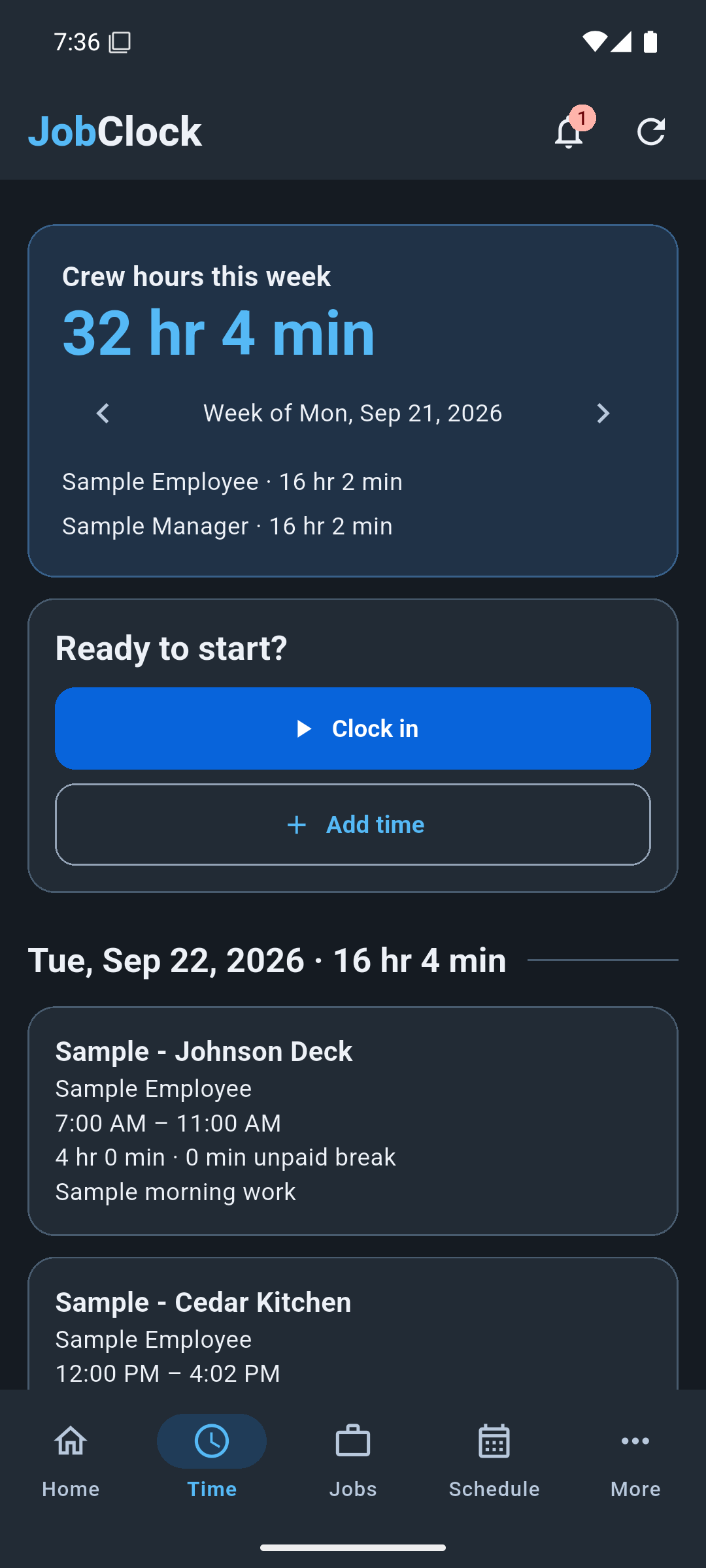
Clock in and out or enter hours manually. See daily and weekly totals, with optional unpaid breaks.
Keep the crew in the loop
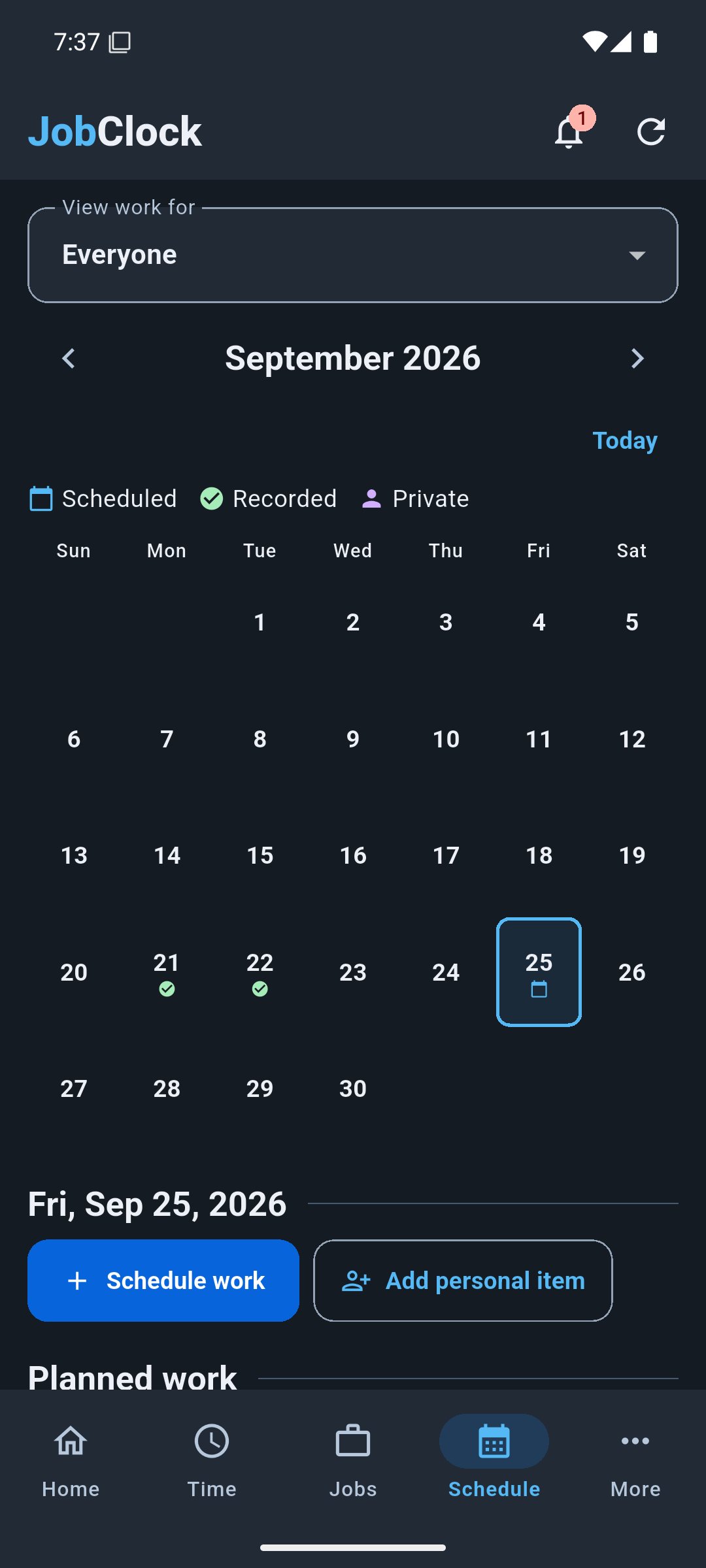
Plan work across jobs and view recorded hours. Keep personal calendar items separate.
The details that matter
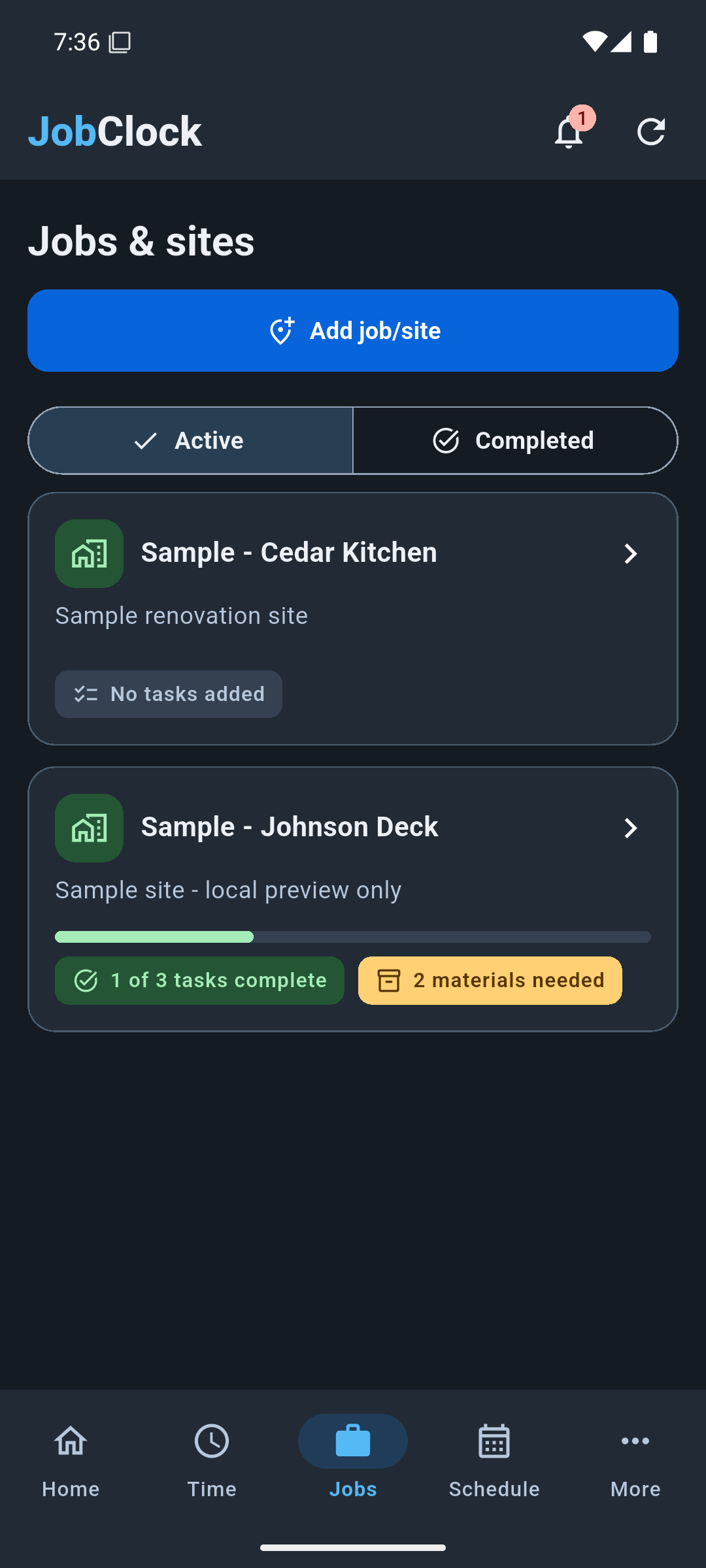
Organize tasks, needed materials, and on-hand stock. Keep progress photos with the job.
Ready for the jobsite
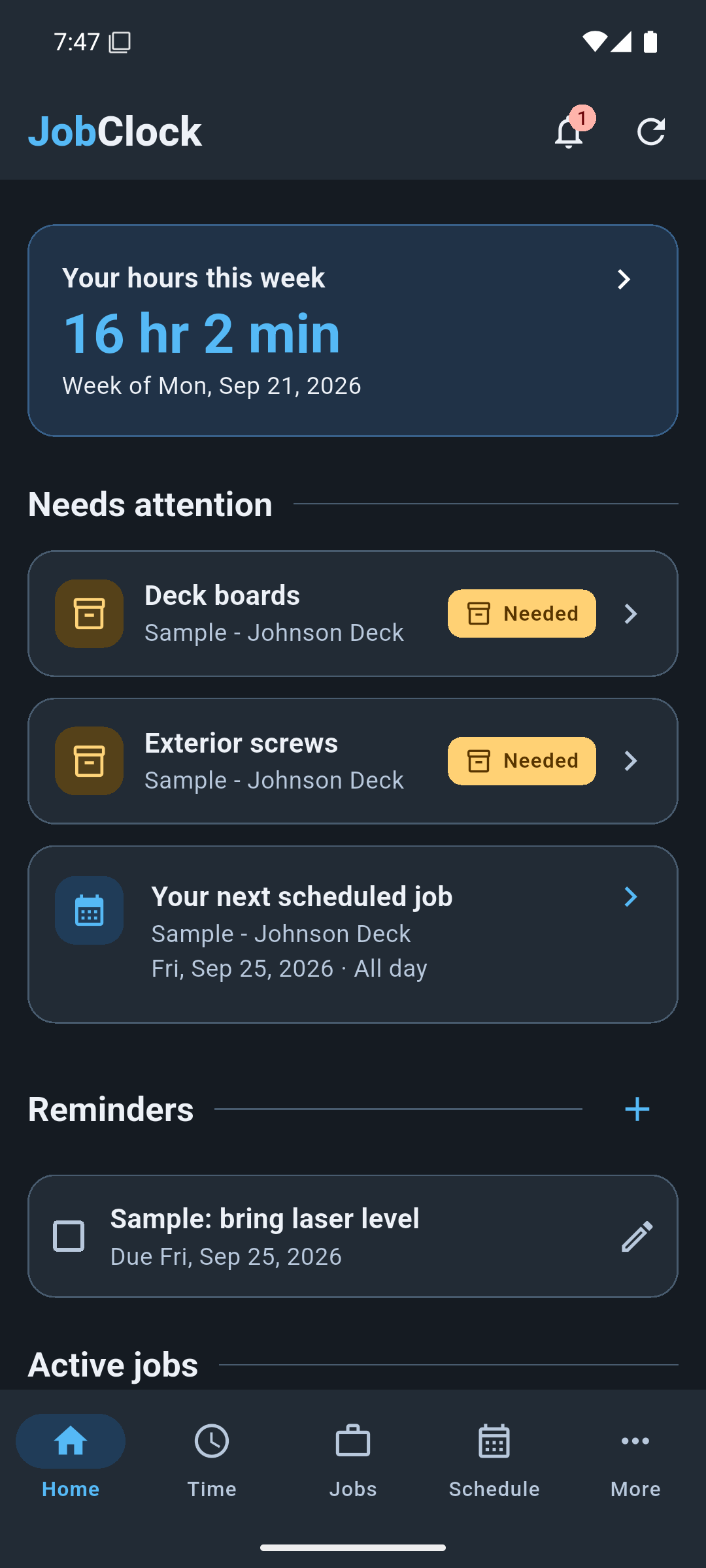
After signing in and downloading your data online, save work on your device and sync when your company server is reachable.
GETTING STARTED
Built for your crew.
Download the Android beta, then use your manager’s invitation to connect to your company. An invitation is required to access company data.
iPhone coming soon
Installation instructions
Download the APK on your Android phone and open it.
If Android asks, allow this browser or file manager to install this app. You can turn that permission off afterward.
Tap Install, or Update if JobClock is already installed.
Open your manager’s invitation link or scan their QR code. Enter your PIN; a temporary PIN must be changed on first sign-in.
Already using JobClock? This installer updates your existing app. Install updates over the existing app; don’t uninstall or clear its storage while work is waiting to sync.